
Supported browsers
Every browser. Every profile.
Burly discovers the browsers and profiles already on your Mac and puts each one a keystroke away. Here's what it works with today.
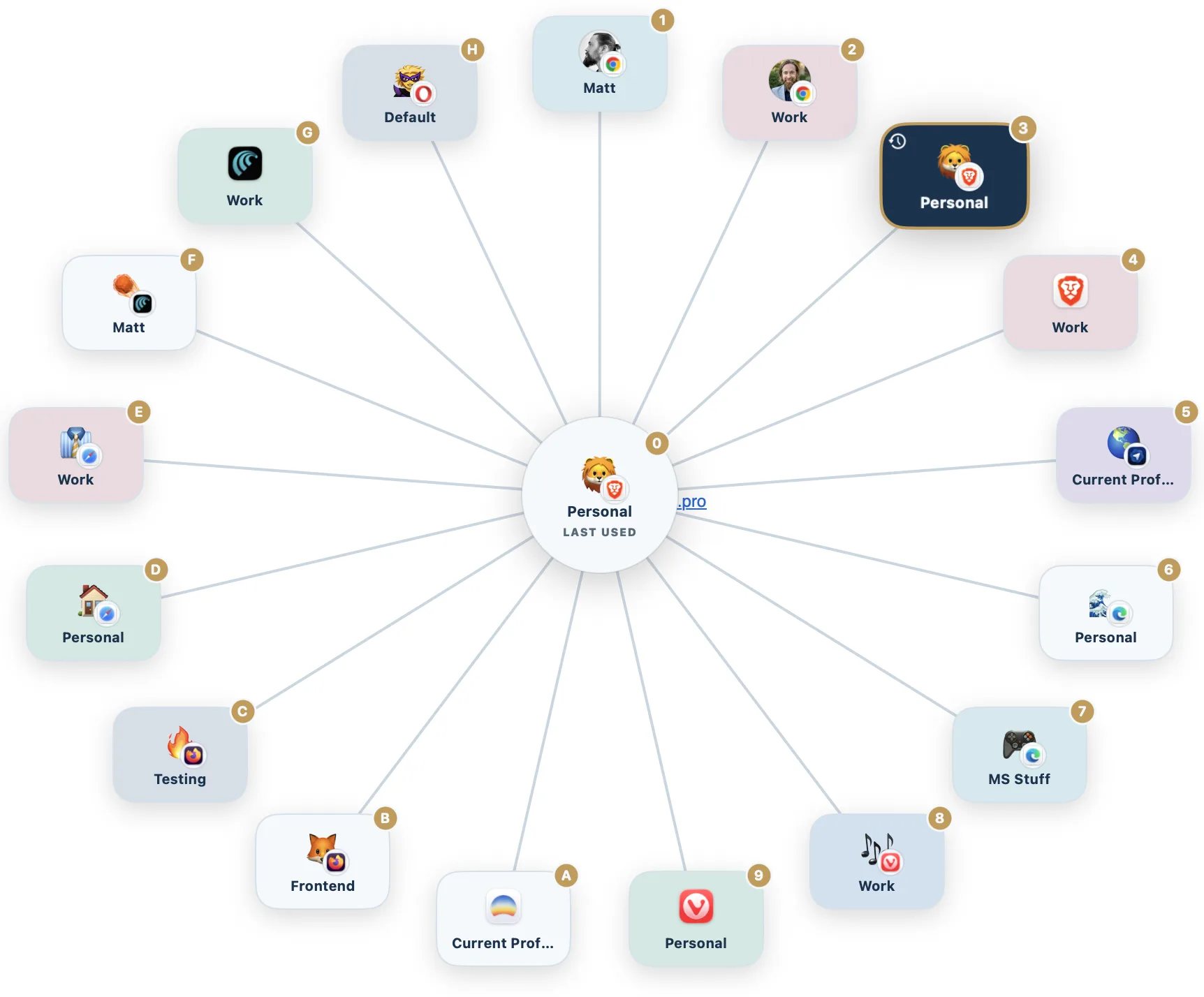
Chromium browsers
Burly opens links straight into the exact profile you pick, launching the browser by its profile directory.
 Google Chrome
 Chrome Canary
 Chromium
 Brave
Brave Microsoft Edge
 Vivaldi
 Comet
Comet Opera
Opera
Safari
Burly routes links into the right Safari profile.
 Safari
Firefox browsers
Burly targets the named profile you choose for each link.
 Firefox
 Firefox Developer Edition
 Zen Browser
Detected, opens in the current profile
These browsers lock links to whatever profile is active, so Burly hands the link off as-is instead of switching profiles for you. With Arc, Burly also waits for a real browser window before handing the link over, and opens one if Arc was quit, so the link is not silently swallowed.
 Arc
Arc Dia
Dia ChatGPT Atlas
Does Burly work with Chrome profiles?
Yes. Burly reads your Chrome profiles directly and opens links in the exact one you pick, launching Chrome by its profile directory. The same works for every Chromium browser, including Brave, Edge, Vivaldi, Opera, and Chrome Canary. New profiles you add in Chrome appear in Burly automatically, with nothing to configure.
How does Burly open links in Safari profiles?
macOS gives no public way to launch a specific Safari profile, so Burly uses the macOS Accessibility API to open a new window in the Safari profile you choose, then hands it the link. The result is that Safari profiles become real destinations in the picker, something most other link routers cannot do. Safari needs to be running, and Burly needs Accessibility permission, which it walks you through on first launch.
Does Burly work with Arc?
Yes. Arc appears in the picker as a destination and links open in whichever Arc profile is active, because Arc runs a single instance and cannot be launched into a named profile. Arc also throws a link away when it has no browser window open, which is the state right after you quit it, so Burly waits for a real window before handing the link over and presses New Window itself if none appears. That wait uses the macOS Accessibility permission; without it Burly still hands the link off the old way.
Which browsers can Burly route to by profile?
Burly routes to a specific profile in every Chromium browser, in Safari, and in Firefox and its variants (Firefox Developer Edition and Zen). A few browsers, like Arc, Dia, and ChatGPT Atlas, lock links to whatever profile is active (Arc allows only one running instance, so it cannot be launched into a profile), so Burly detects them and hands the link off as-is rather than switching profiles for you.