
Burly 1.7.0: Hold Shift. Open Privately.
Private windows are here in Burly 1.7.0. Hold Shift as you click a link, choose a browser in the violet picker, and Burly opens the link privately. You can also hold Shift after the picker appears.
Download for MacBy Matt Senter, who builds Burly · · 2 min read
Matt Senter is an independent Mac developer who designs, builds, and ships small native apps end to end. He built Burly to send every link on his own Mac to the right browser profile, including Safari profiles, which most routers cannot reach, and he writes these pages from that first-hand use.
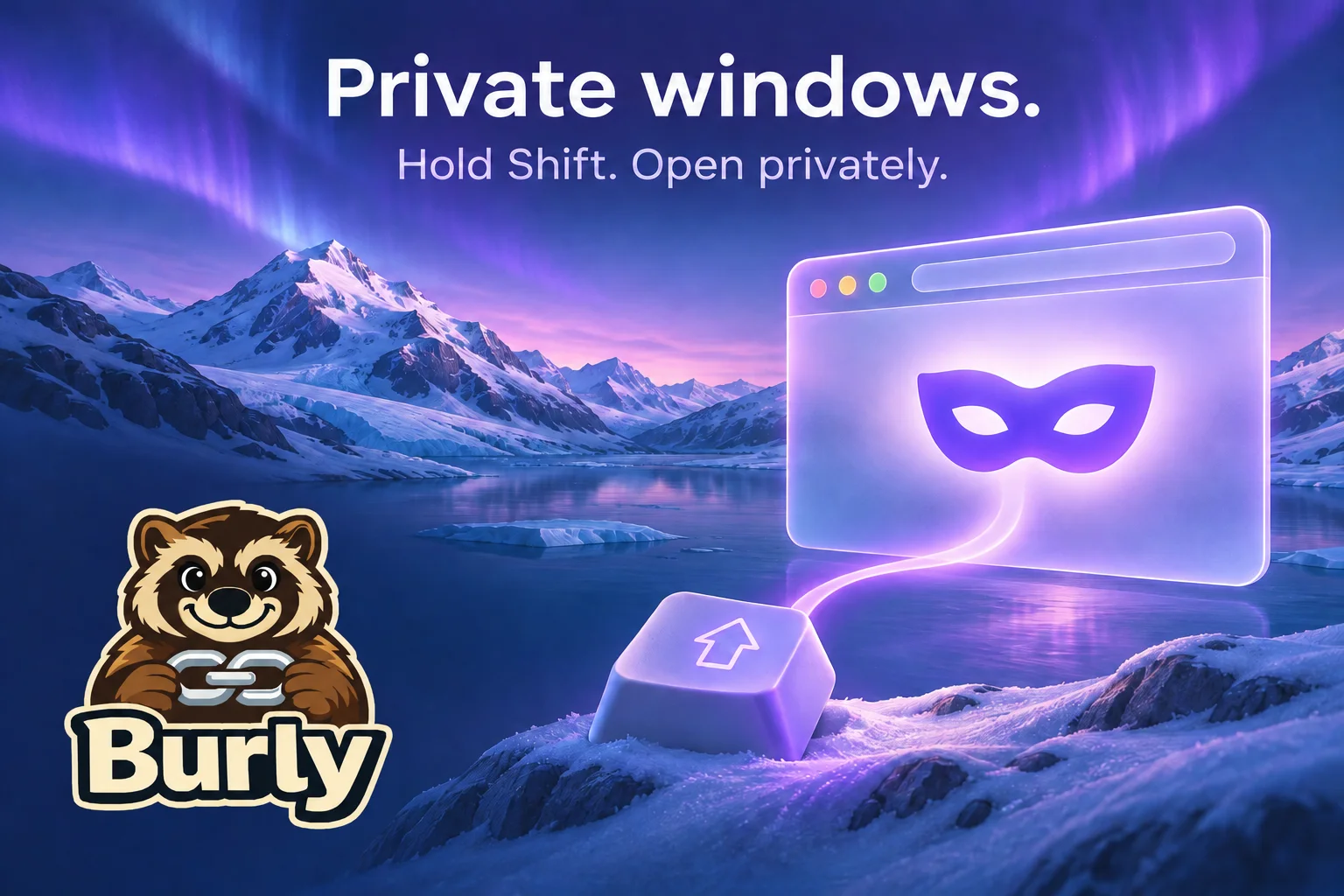
A private window, right from the link
A gift you are shopping for. A page you want to check while signed out. A link you would rather keep out of your everyday browsing history. Now you can choose a private window at the moment you open the link, without copying and pasting it. Set Burly as your default browser picker, then hold Shift as you click. Your picker turns violet to show that you are opening privately. A private open does not change your last-used profile.
Your shortcut, your workflow
Already use the bypass shortcut? Hold Shift with your bypass modifier, Shift-Option by default, to send the link straight to your bypass profile in a private window. For a fresh private window without a link, open Burly’s menu bar menu and hold Shift: Open New Tab in… becomes Open Private Window in…. Prefer another key? In Settings → Shortcuts, choose Shift, Option, Command, or Control as your private-window key. It must be different from your bypass modifier.
Which browsers work?
Chrome and the other supported Chromium browsers open private windows, including Incognito in Chrome and InPrivate in Edge. Firefox, Zen, and Safari work too. Safari needs Accessibility permission; if its private browsing is locked, unlock it first. Arc, Dia, and ChatGPT Atlas cannot open private links from Burly, so their petals dim in private mode. Burly does not fall back to an ordinary window when you ask for a private one. Get Burly 1.7.0, read the release notes, or see the private-window guide.
Try Burly free
Route every link to the right browser profile in seconds. Native, private, and free. No account required.
Download for macOS